

Villa Wi-Fi Dead Zones in Ras Al Khaimah: Mesh or Access Points?
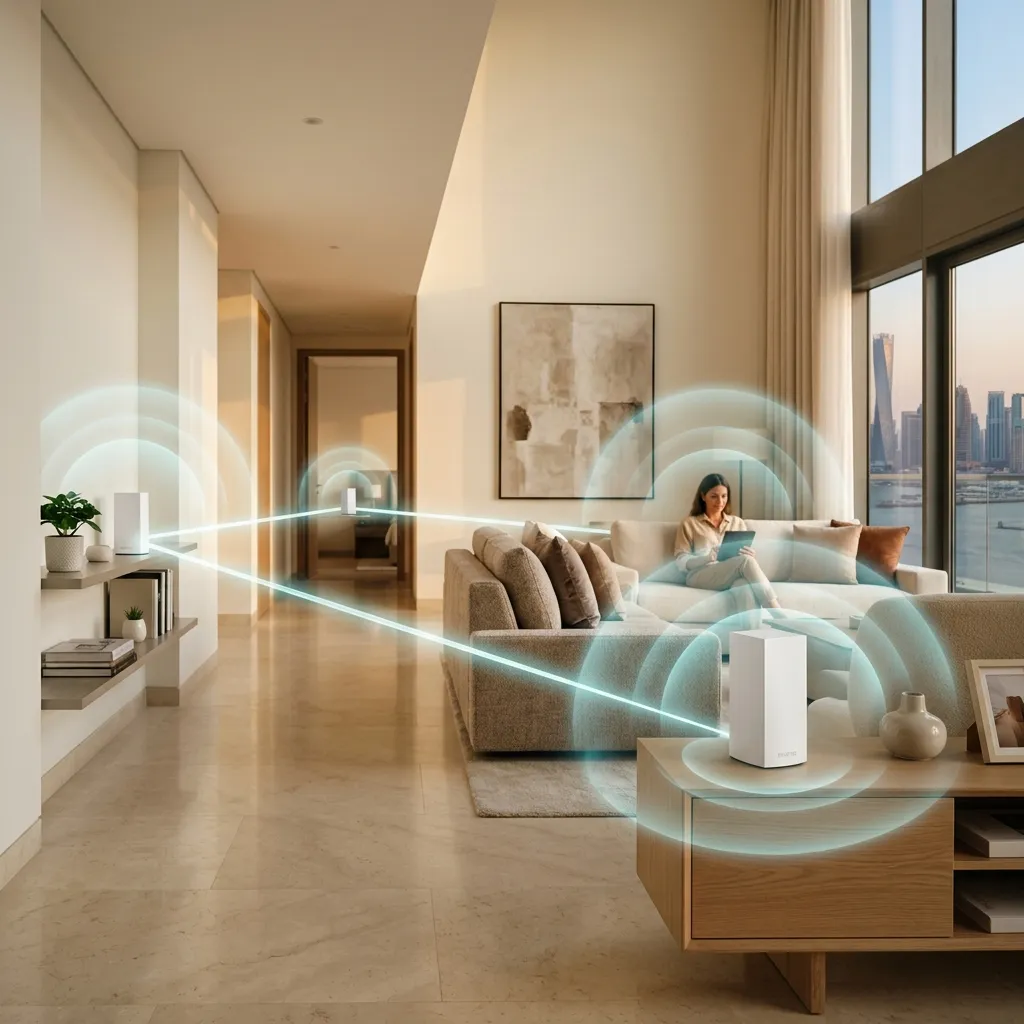
It starts the same way every time: the Wi-Fi is perfect in the majlis next to the router, one bar in the upstairs bedrooms, and non-existent by the pool or in the garden. If you live in a villa in Ras Al Khaimah, this is not bad luck — it is physics. The good news: it is completely fixable, and the fix costs less than most people expect.
Why one router cannot cover a villa
The router your internet provider gives you is designed for an apartment. Put it inside a villa and it immediately faces three problems:
Thick concrete walls. Villas in RAK are built from concrete block and steel rebar. A 5 GHz Wi-Fi signal — the fast band — loses most of its strength passing through just one or two such walls. The slower 2.4 GHz band travels further but carries a fraction of the speed.
Multiple floors. Wi-Fi spreads mostly sideways, like light from a lamp. The floor slab between storeys is effectively a wall the signal has to punch through twice — down to the ground floor and out to the garden.
Distance and interference. By the time the signal reaches the far end of the villa it is competing with your neighbours' networks and every microwave in the street. The result: your phone shows "connected" but videos buffer and calls drop.
The answer is never a "stronger router". A more powerful transmitter does not help the reply from your phone — which is a tiny transmitter — get back through those same walls. The answer is more radios, placed intelligently around the villa. That comes down to two approaches: mesh, or wired access points.
What is a mesh Wi-Fi system?
A mesh system is a set of small identical units you plug in around the house. They talk to each other wirelessly, form one network with one name, and your devices silently hop to whichever unit is closest as you walk from room to room.
Mesh is the right choice when:
- You cannot or do not want to run network cables inside the walls.
- You rent, or the villa is already finished and painted.
- You want a 30-minute setup you can do yourself.
Where mesh reaches its limit: every wireless hop between units eats into the speed. In a large villa — especially one with an outdoor area — the room furthest from the main unit still gets the weakest link. Mesh also shares airtime: the units relay each other's traffic on the same radio space your devices use.
What are wired access points?
An access point (AP) is a small ceiling- or wall-mounted device connected back to your router or a network switch by a physical network cable. Each AP broadcasts its own strong, local signal — and the backhaul between APs travels over copper, not air, so no speed is lost between rooms. Power also arrives over the same cable (PoE), so no power outlet is needed at the ceiling.
Wired access points are the right choice when:
- You are building, renovating, or can have cables neatly run — RAK villas under construction are the ideal case.
- You want the same full speed in every room, not "good enough" in the far ones.
- You have a garden, terrace, outdoor majlis or car area that needs coverage (outdoor-rated APs exist for exactly this).
- You want a system that scales — add one more AP years later and the whole network just absorbs it.
This is how hotels, offices and schools are blanketed in Wi-Fi, and the same equipment is practical for villas: brands we supply and install in RAK include TP-Link Omada, Ubiquiti UniFi, Ruijie Reyee, D-Link and Huawei eKit.
Mesh or access points — the short answer
- Finished villa, no cabling possible, average size: mesh — fast to install, easy to move if you change houses.
- Villa under construction, or renovation opening the walls: wired access points, without hesitation — you will never get a cheaper chance to run the cables.
- Large plot with garden coverage: access points inside, plus one outdoor AP for the garden — mesh alone rarely reaches a pool area reliably.
- Wi-Fi 7 future-proofing: both approaches now have Wi-Fi 7 (802.11be) equipment available; if you are installing fresh cabling anyway, choosing Wi-Fi 7 APs protects the investment for the next decade.
Many of the best installs we do in RAK are hybrids: two or three ceiling APs for the house, one outdoor unit for the garden, and the existing router retired to modem duty.
How many units does a villa actually need?
A typical RAK villa — ground plus one, three to four bedrooms — is usually fully covered by two to three ceiling access points or a two-to-three-node mesh, with one extra outdoor unit if the garden matters. The honest number depends on the layout, the wall positions and where the fibre entry point is; that is why a site visit beats any guesswork.
RADON Computer does free Wi-Fi site surveys anywhere in Ras Al Khaimah: we walk the villa, test signal in every room, and hand you a fixed quote with the exact devices and placement — using TP-Link Omada, Ubiquiti, Ruijie Reyee, D-Link or Huawei eKit, in budgets from practical to premium.
See ready-made networking and Wi-Fi packages — including villa, garden and Wi-Fi 7 options — on our Networking & Wi-Fi Solutions page, or message us on WhatsApp at +971 56 566 5529 to book your free survey.